 GST : 07DFVPG2275C1ZC
 Write a Review
Our Products
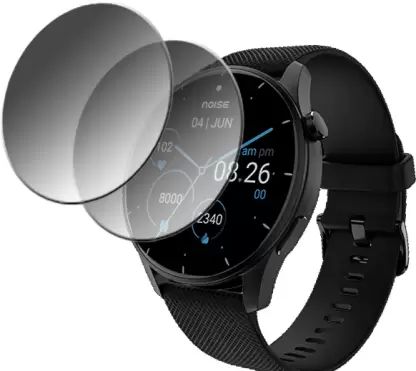
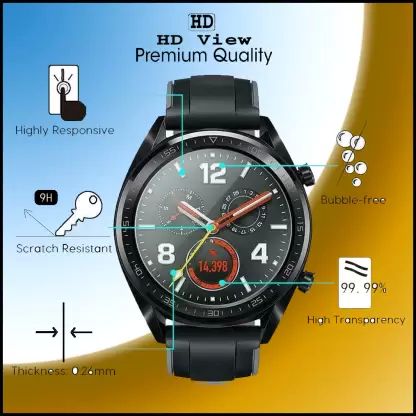
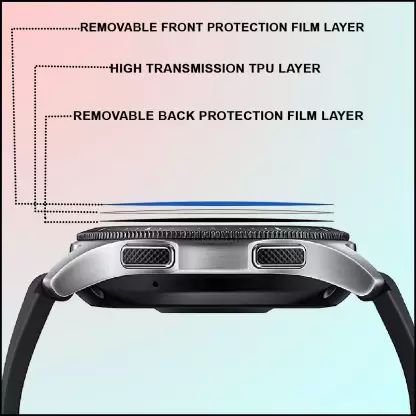
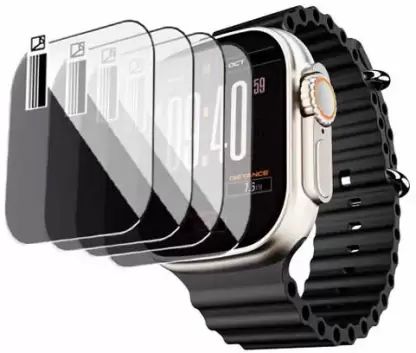
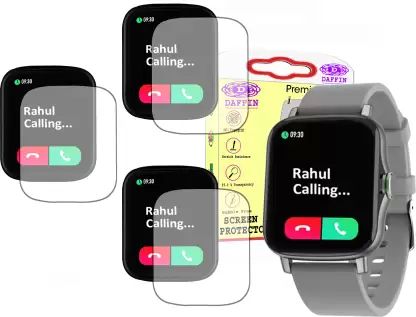
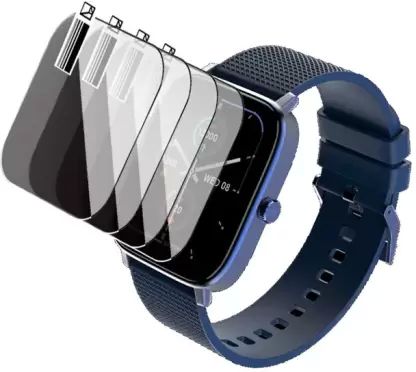
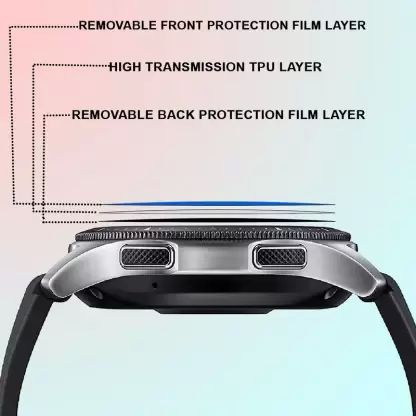
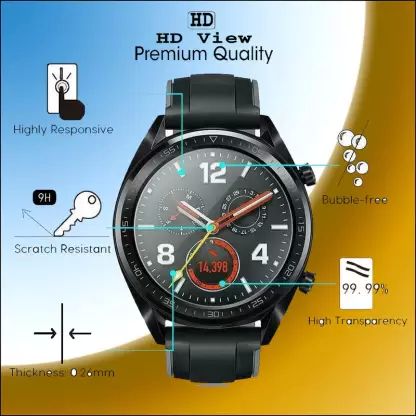
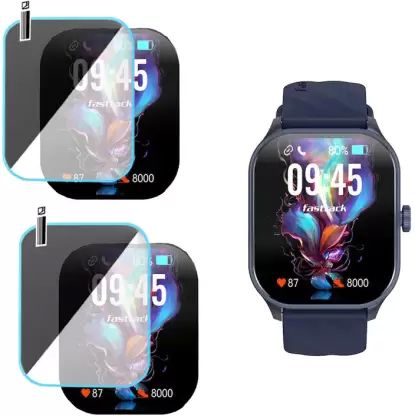
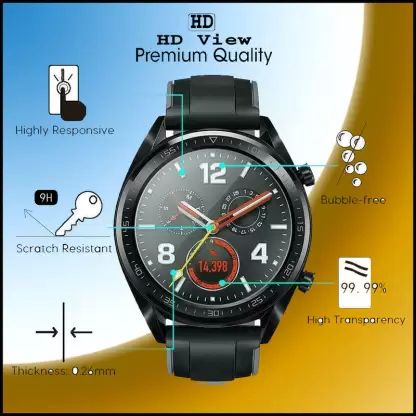
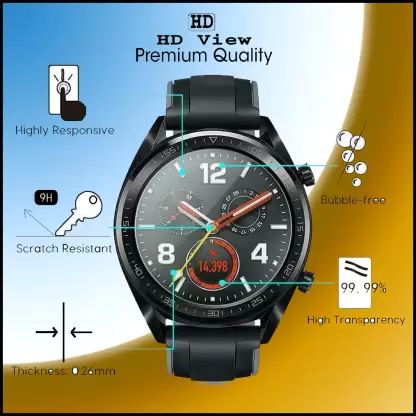
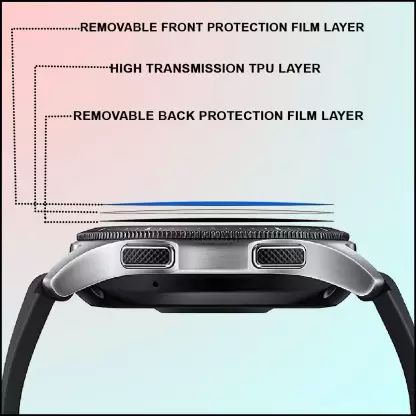
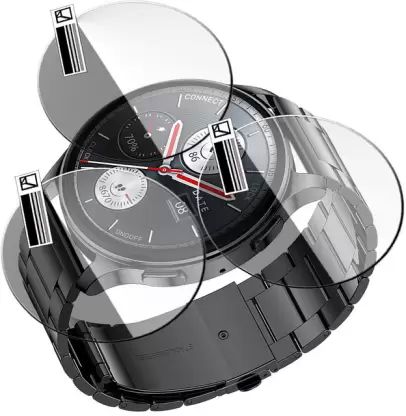
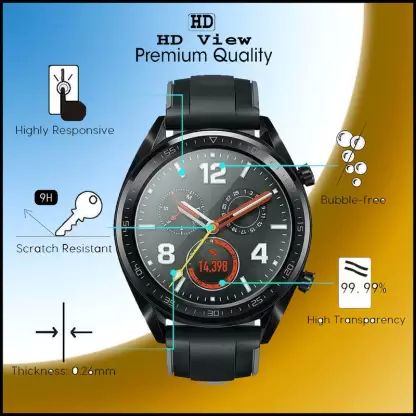
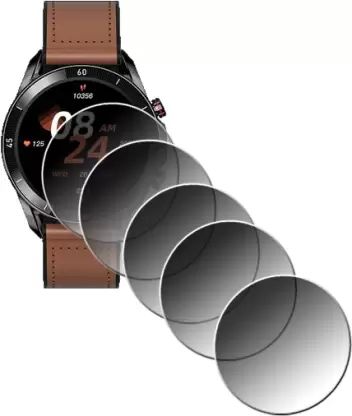
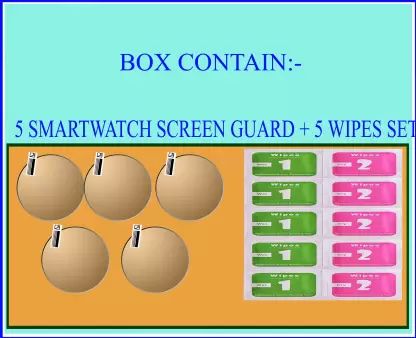
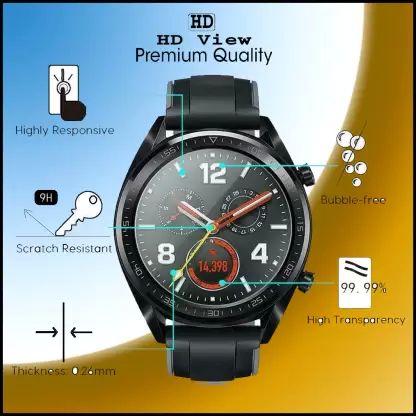
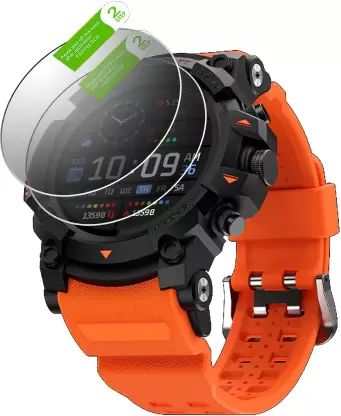
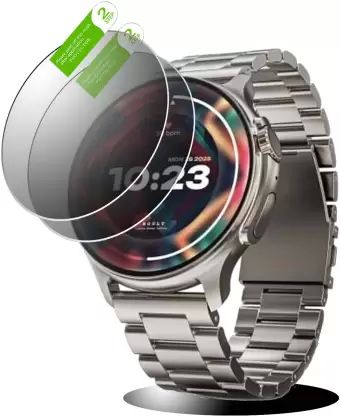
Leading Manufacturer, Supplier & Retailer of Daffin Impossible Screen Guard for Noise ColorFit Caliber 1.69 Inch, Daffin Edge to Edge Tempered Glass Guard for NoiseFit Crew, Daffin Impossible Screen Guard for BeatXP Vega X 1.43 Inch, Daffin Tempered Glass Guard for boAt Wave Genesis and Daffin Screen Guard for Fire-Boltt Supernova.
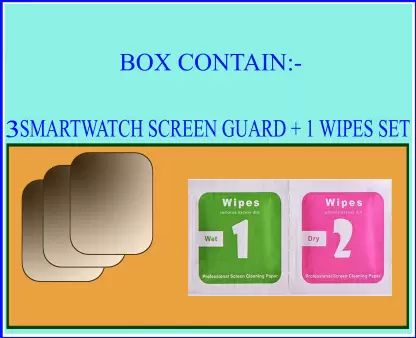
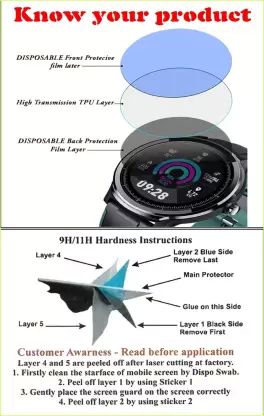
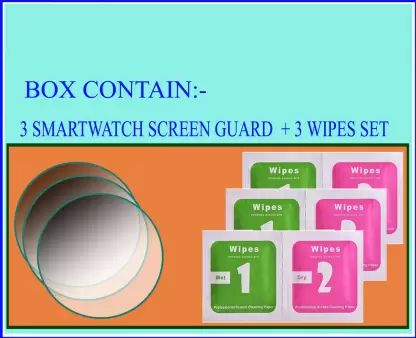
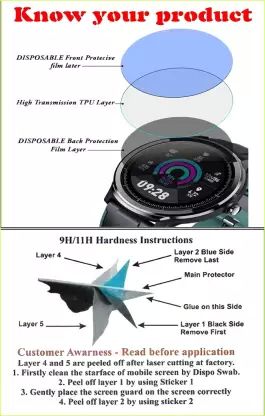
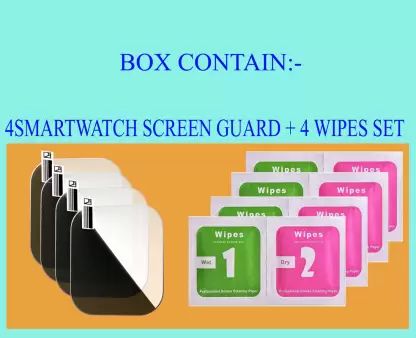
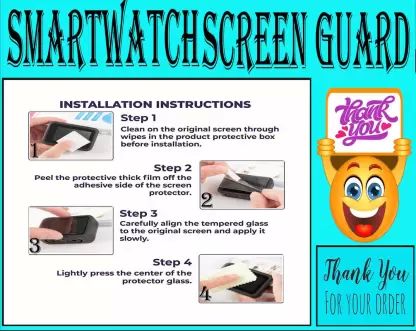
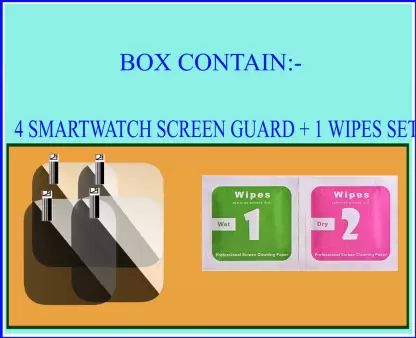
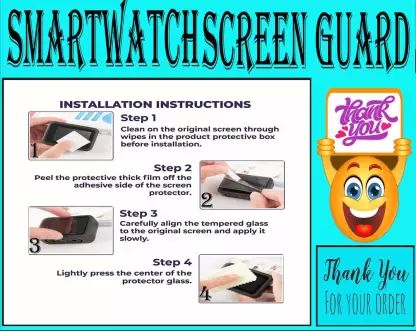
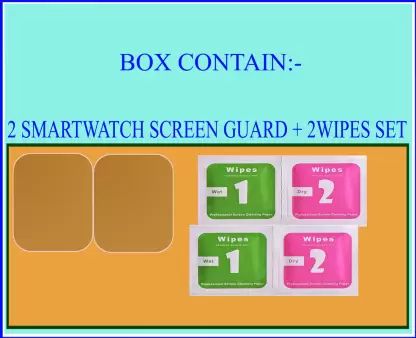
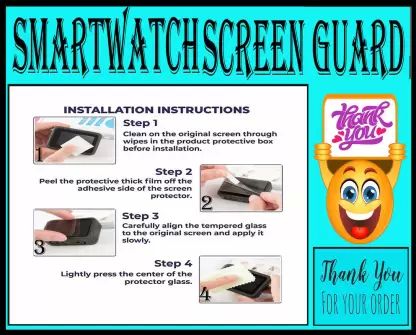
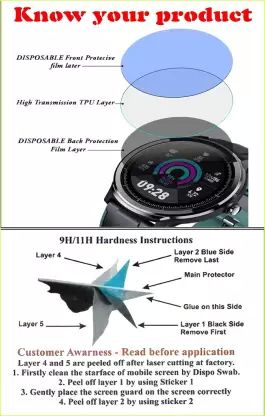
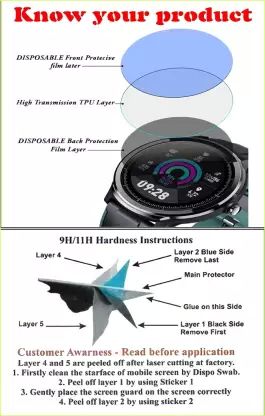
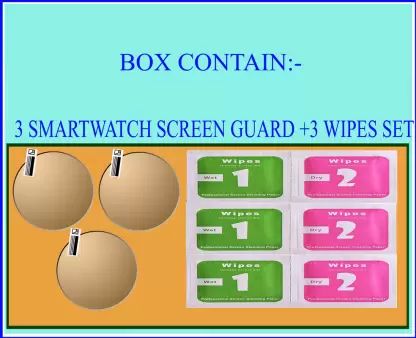
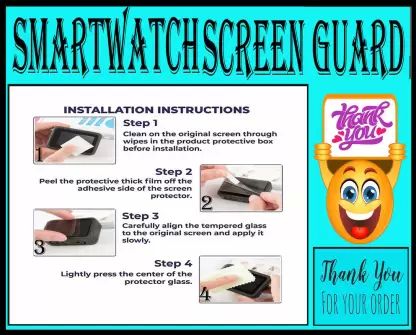
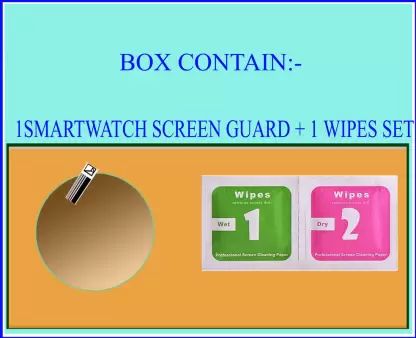
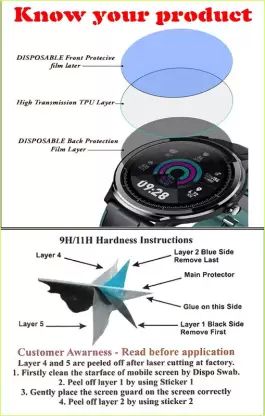
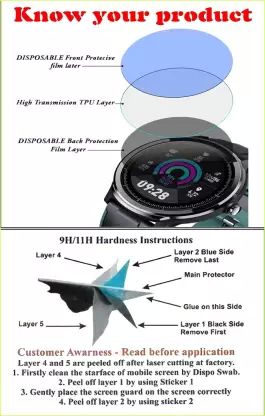
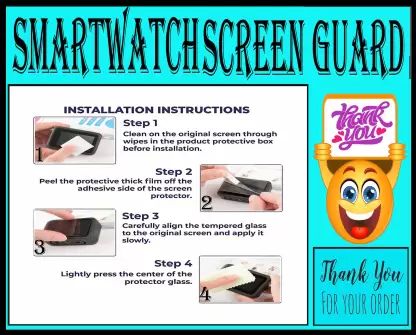
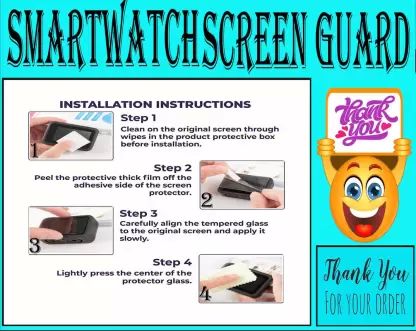
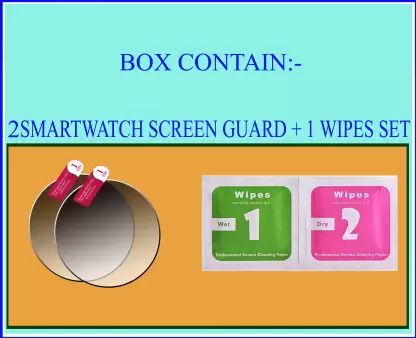
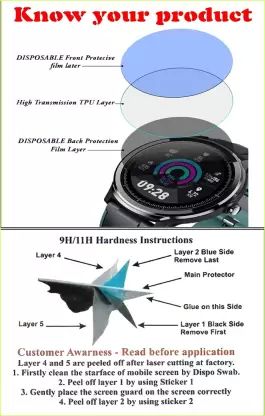
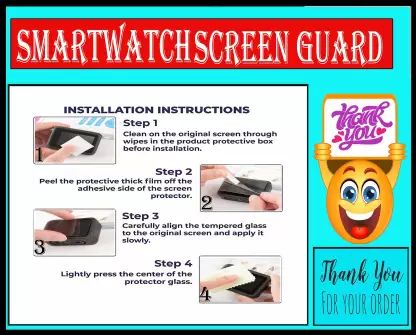
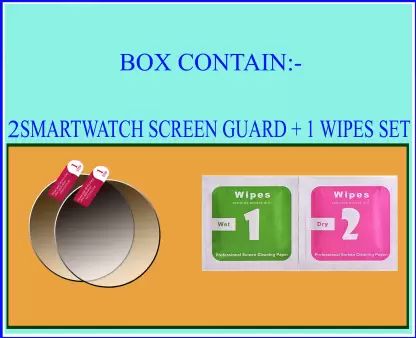
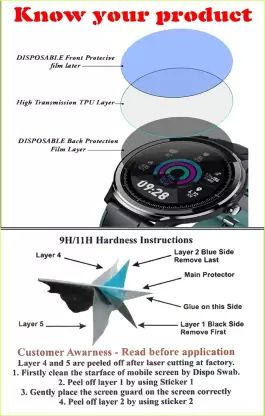
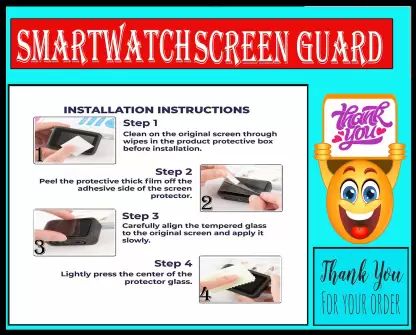
Fixing Method: First clean your SMARTWATCH SCREEN with wet-wipe & dry-wipe than remove first sticker of screen protector and install screen protector on your SMART WATCH SCREEN after installation remove Second sticker.
Fixing Method: First clean your SMARTWATCH SCREEN with wet-wipe & dry-wipe than remove first sticker of screen protector and install screen protector on your SMART WATCH SCREEN after installation remove Second sticker.
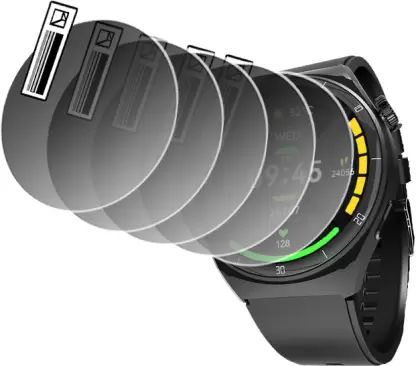
Fixing Method: First clean your SMARTWATCH SCREEN with wet-wipe & dry-wipe than remove first sticker of screen protector and install screen protector on your SMART WATCH SCREEN after installation remove Second sticker.
Fixing Method: First clean your SMARTWATCH SCREEN with wet-wipe & dry-wipe than remove first sticker of screen protector and install screen protector on your SMART WATCH SCREEN after installation remove Second sticker.
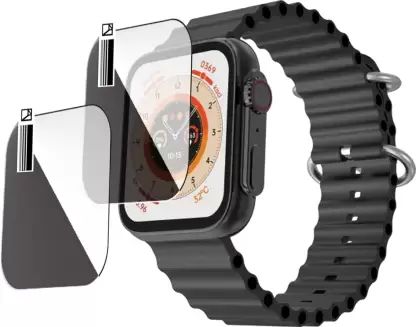
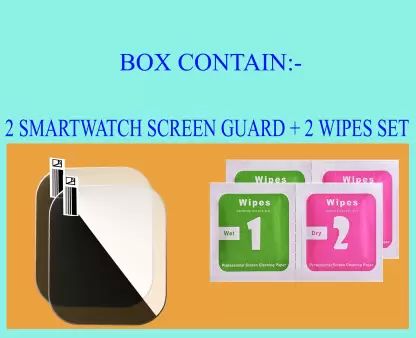
Fixing Method: First clean your SMARTWATCH SCREEN with wet-wipe & dry-wipe than remove first sticker of screen protector and install screen protector on your SMART WATCH SCREEN after installation remove Second sticker.
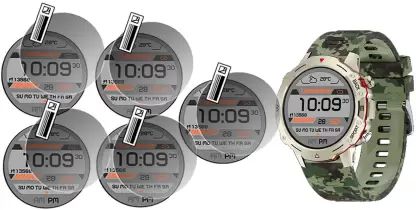
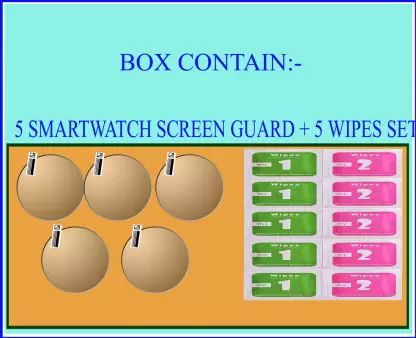
Fixing Method: First clean your SMARTWATCH SCREEN with wet-wipe & dry-wipe than remove first sticker of screen protector and install screen protector on your SMART WATCH SCREEN after installation remove Second sticker.
Fixing Method: First clean your SMARTWATCH SCREEN with wet-wipe & dry-wipe than remove first sticker of screen protector and install screen protector on your SMART WATCH SCREEN after installation
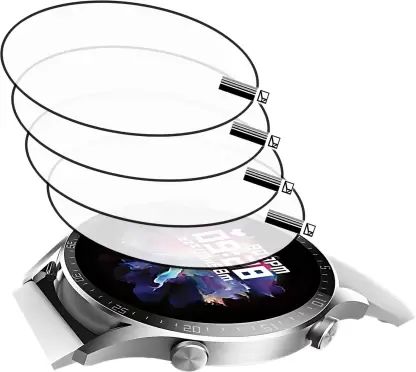
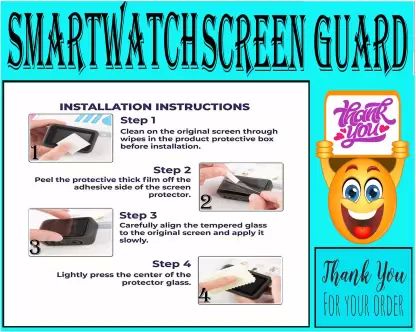
Fixing Method: First clean your SMARTWATCH SCREEN with wet-wipe & dry-wipe than remove first sticker of screen protector and install screen protector on your SMART WATCH SCREEN after installation remove Second sticker.
Fixing Method: First clean your SMARTWATCH SCREEN with wet-wipe & dry-wipe than remove first sticker of screen protector and install screen protector on your SMART WATCH SCREEN after installation remove Second sticker.
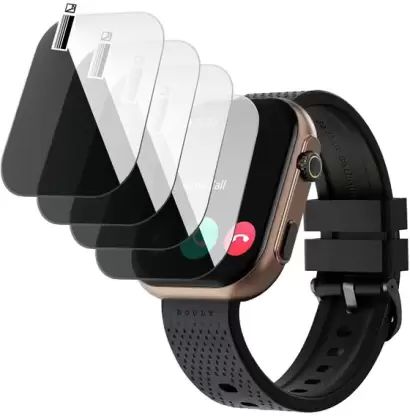
Fixing Method: First clean your SMARTWATCH SCREEN with wet-wipe & dry-wipe than remove first sticker of screen protector and install screen protector on your SMART WATCH SCREEN after installation remove Second sticker.
Fixing Method: First clean your SMARTWATCH SCREEN with wet-wipe & dry-wipe than remove first sticker of screen protector and install screen protector on your SMART WATCH SCREEN after installation remove Second sticker.
Fixing Method: First clean your SMARTWATCH SCREEN with wet-wipe & dry-wipe than remove first sticker of screen protector and install screen protector on your SMART WATCH SCREEN after installation remove Second sticker.
Fixing Method: First clean your SMARTWATCH SCREEN with wet-wipe & dry-wipe than remove first sticker of screen protector and install screen protector on your SMART WATCH SCREEN after installation remove Second sticker.
Fixing Method: First clean your SMARTWATCH SCREEN with wet-wipe & dry-wipe than remove first sticker of screen protector and install screen protector on your SMART WATCH SCREEN after installation
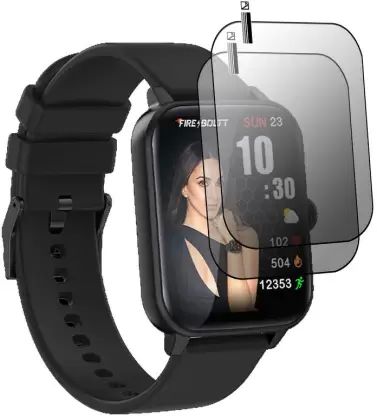
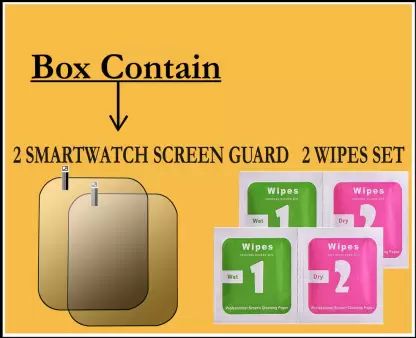
Fixing Method: First clean your SMARTWATCH SCREEN with wet-wipe & dry-wipe than remove first sticker of screen protector and install screen protector on your SMART WATCH SCREEN after installation remove Second sticker.
Fixing Method: First clean your SMARTWATCH SCREEN with wet-wipe & dry-wipe than remove first sticker of screen protector and install screen protector on your SMART WATCH SCREEN after installation remove Second sticker.
Fixing Method: First clean your SMARTWATCH SCREEN with wet-wipe & dry-wipe than remove first sticker of screen protector and install screen protector on your SMART WATCH SCREEN after installation remove Second sticker.
Fixing Method: First clean your SMARTWATCH SCREEN with wet-wipe & dry-wipe than remove first sticker of screen protector and install screen protector on your SMART WATCH SCREEN after installation remove Second sticker.
Fixing Method: First clean your SMARTWATCH SCREEN with wet-wipe & dry-wipe than remove first sticker of screen protector and install screen protector on your SMART WATCH SCREEN after installation remove Second sticker.
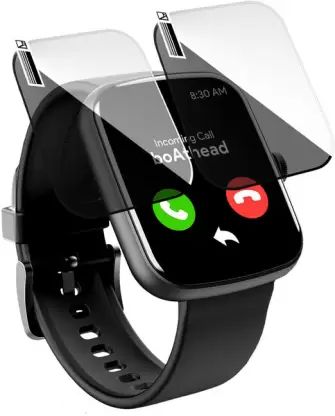
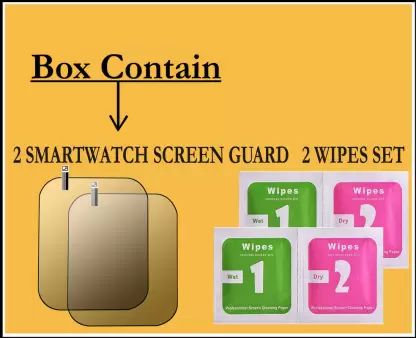
Fixing Method: First clean your SMARTWATCH SCREEN with wet-wipe & dry-wipe than remove first sticker of screen protector and install screen protector on your SMART WATCH SCREEN after installation remove Second sticker.
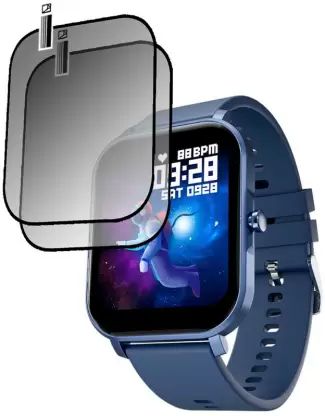
Fixing Method: First clean your SMARTWATCH SCREEN with wet-wipe & dry-wipe than remove first sticker of screen protector and install screen protector on your SMART WATCH SCREEN after installation remove Second sticker.
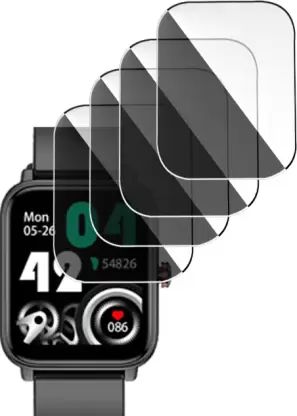
Fixing Method: First clean your SMARTWATCH SCREEN with wet-wipe & dry-wipe than remove first sticker of screen protector and install screen protector on your SMART WATCH SCREEN after installation remove Second sticker.
 Mr. Girdhari (CMR Enterprises)
 A 220, Mange Ram Park, Budh Vihar, Rohini, Delhi - 110086
 Share us via