 GST : 33AFSPR0054E1ZJ
 4.6/5
4.6/5
Our Product / Services
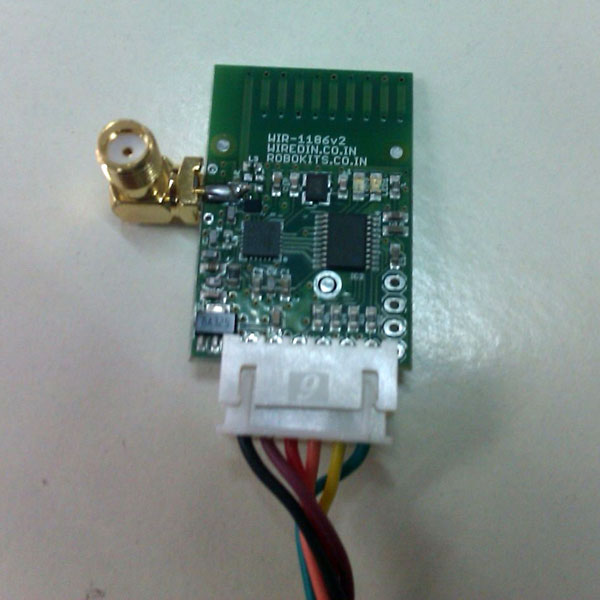
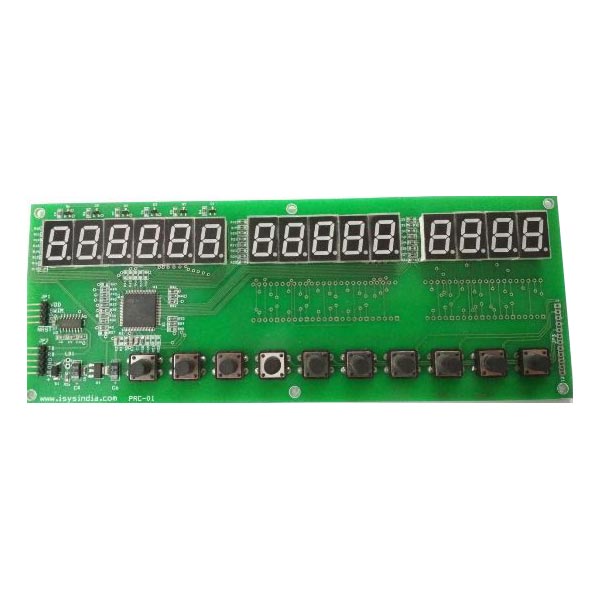
Our product range contains a wide range of Wireless Interface RF Modules and Price Computing Indicator PCB
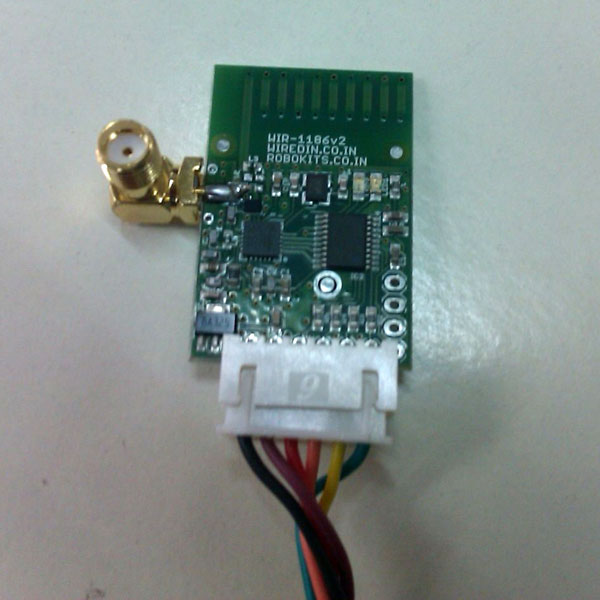
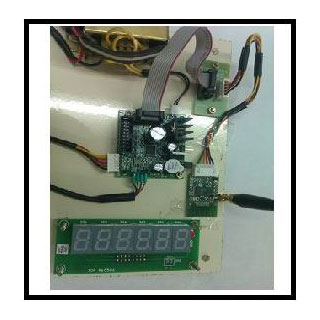
Wireless Interface RF Modules can be interfaced with R5.0V1 Weighing Scale PCBs to make your weighing scale machine wireless. It can transmit wireless data to a distance of about 100 feet. You can even receive the wireless weight data to your P.C for wireless data acquisition. We will provide you free technology support for you to build a complete wireless weighing system.
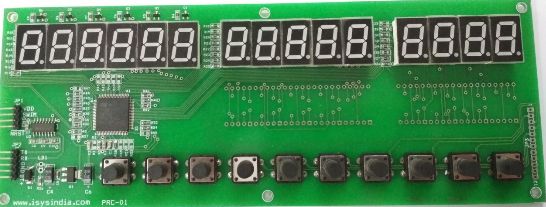
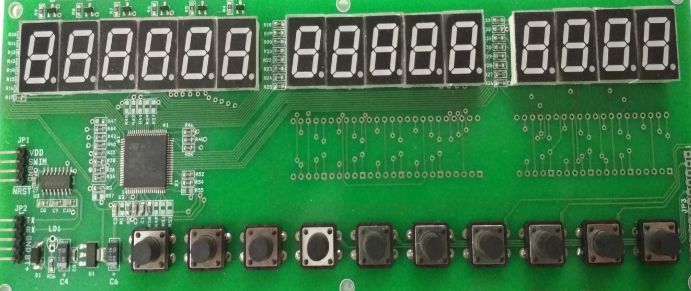
The PRC-01 PCB is a 3 wire interface price computing indicator PCB. The RS232 RX pin, GND or BAT-(battery negative pin) and BAT+ (battery positive pin) are the only 3 pins that are required for the working of this PCB. This PCB receives RS232 weight data form R5.0V1 weighing scale PCB supplied to you along with it. The TTL UART signal from the R5.0V1 PCB must be level shifted to RS232 signal (via an interface PCB no.460513 also supplied to you in the kit) before connecting to PRC-01 PCB.
Configuring the PRC-01 : To enter configuration setup, press key1 and then power ON the PCB. The center display will show “rAtE”. Next, Press key4 button to enter the item rate values for 10 different items. The display will briefly show “rAtE1” and then display “0000” for you to enter the rate value for item1. Use key3 to increment the digit value & key2 to shift the digit value to set the required rate value. Press key4 to store the entered item rate value. The display will next briefly show “rAtE2”. Similarly enter the rate2 value. If you have 10 items you can enter the entire ten item’s rate value. After entering the 10 rate values the display will once again show “rAtE”. Now press key3. It will show “PA A”. Next press key4 to enter into parameter settings. It will display “BAU-“. It means the baud rate for serial communication.
After entering the appropriate value for baud rate, press the key4 button. It will next display “LC”.
This means least count value of rupee or currency amount. The default value 0 will give least count of 10 paise.
If you choose 1 for LC the amount value will be rounded to 50 paise. Beyond the value of 9999.9 the amount display will automatically switch to rupee (currency) 1 as the least count. The decimal point display will be removed.
Note : If you are using the reverse battery protection circuit in R5.0V1 weighing scale PCB make sure a battery is connected to the PRC-01 PCB for normal functioning of PCB. Sometimes the R5.0V1 PCB will vnot power-up the PRC-01 PCB without battery. If you still want to use the PRC PCB without battery, you can do so by connecting R5.0V1 PCB in unprotected mode
PRC-01 PCB has only a simple diode shorting protection for reverse battery. Hence make doubly sure to connect the right battery polarity. Wrong polarity may damage the PCB permanently & carries NO guarantee. Use of 0.5Amps fuse as protection is highly recommended.
 Raghunathan P (I-SYS)
 #1, 12th East Street, Kamaraj Nagar, Thiruvanmiyur, Chennai, Tamil Nadu - 600041, India
 https://www.isysindia.com
 Share us via