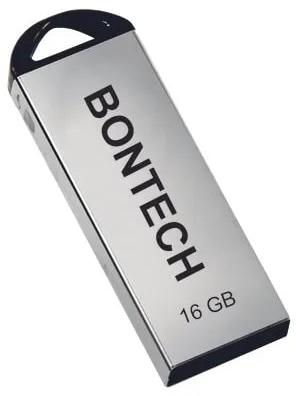
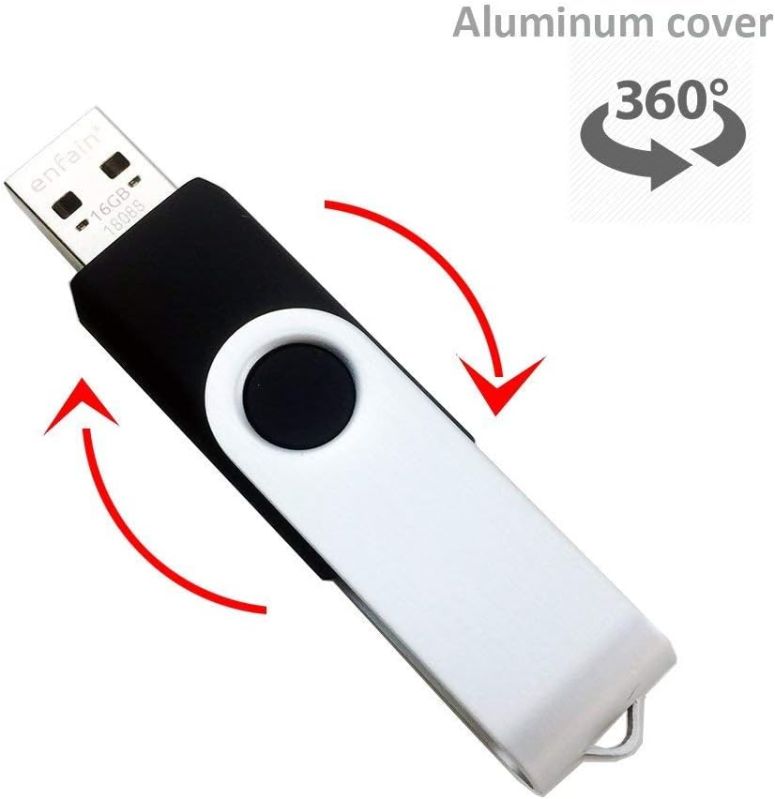
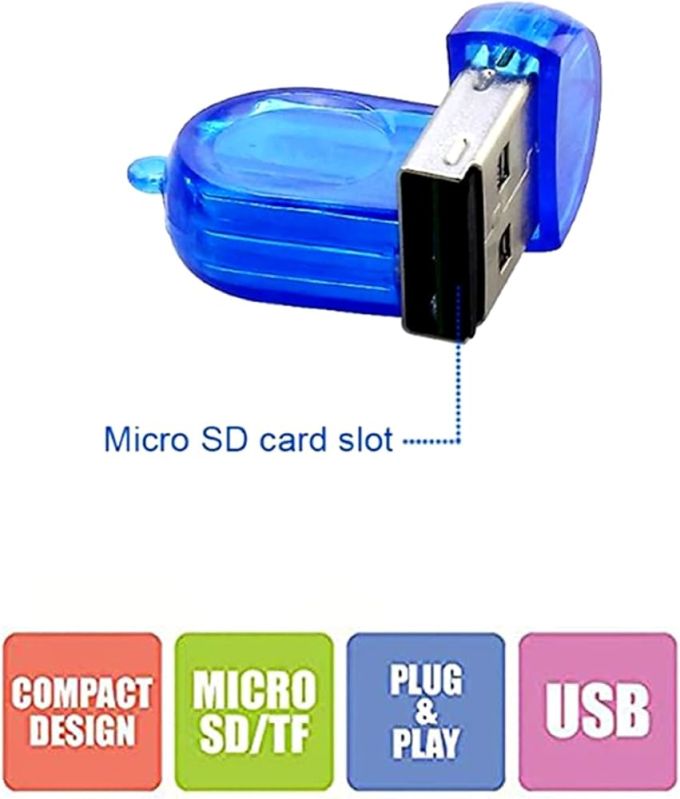
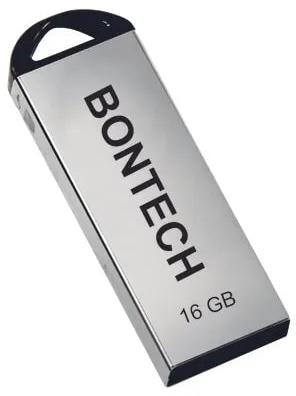
A pen drive, also known as a USB flash drive, is a small, portable data storage device that plugs into a computer's USB port. It's a convenient way to store and transfer files like documents, images, and videos. Pen drives use flash memory, offering durable and reliable storage without moving parts.
Key Features and Uses:
Portability:
Pen drives are compact and easily fit into a pocket or bag, making them ideal for carrying data on the go.
Universal Compatibility:
They connect to any computer with a USB port, allowing for easy data sharing between devices.
Reliability:
Flash memory is resistant to shock and vibration, ensuring data integrity.
Variety of Capacities:
Available in a wide range of storage capacities, from a few gigabytes to terabytes, allowing for different data storage needs.
Data Transfer:
Pen drives facilitate the transfer of data between computers, backup files, and store large amounts of data.
How to Use:
Plug into a USB port:Simply insert the pen drive into an available USB port on your computer.
Automatic Recognition:The computer will automatically recognize the pen drive as a storage device.
Data Transfer:You can copy, paste, and move files between your computer and the pen drive as you would with a hard drive
A pen drive, also known as a USB flash drive, is a small, portable data storage device that plugs into a computer's USB port. It's a convenient way to store and transfer files like documents, images, and videos. Pen drives use flash memory, offering durable and reliable storage without moving parts.
Key Features and Uses:
Portability:
Pen drives are compact and easily fit into a pocket or bag, making them ideal for carrying data on the go.
Universal Compatibility:
They connect to any computer with a USB port, allowing for easy data sharing between devices.
Reliability:
Flash memory is resistant to shock and vibration, ensuring data integrity.
Variety of Capacities:
Available in a wide range of storage capacities, from a few gigabytes to terabytes, allowing for different data storage needs.
Data Transfer:
Pen drives facilitate the transfer of data between computers, backup files, and store large amounts of data.
How to Use:
Plug into a USB port:Simply insert the pen drive into an available USB port on your computer.
Automatic Recognition:The computer will automatically recognize the pen drive as a storage device.
Data Transfer:You can copy, paste, and move files between your computer and the pen drive as you would with a hard drive
Additional Information
Payment Terms L/C, D/A, D/PT/T
Port of DispatchDelhi
Packaging Details100 pcs cartoon box
Delivery Time1 week
Interested in this product? Ask for more details & Latest Price from seller


 Member Since 5 Years
 Nature of Business Exporter
 GST No. 07AMAPG6357J1ZZ








 For Buyer
  For Seller
  Help
Help 

 Karol Bagh, Delhi

 Send Enquiry