
Products / Services
  • Products / Services
  • Companies
  • Buy Leads
    Post Buy Requirement

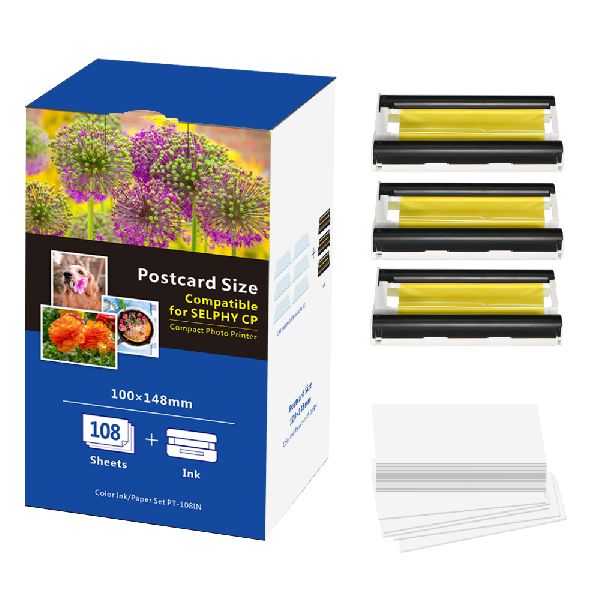
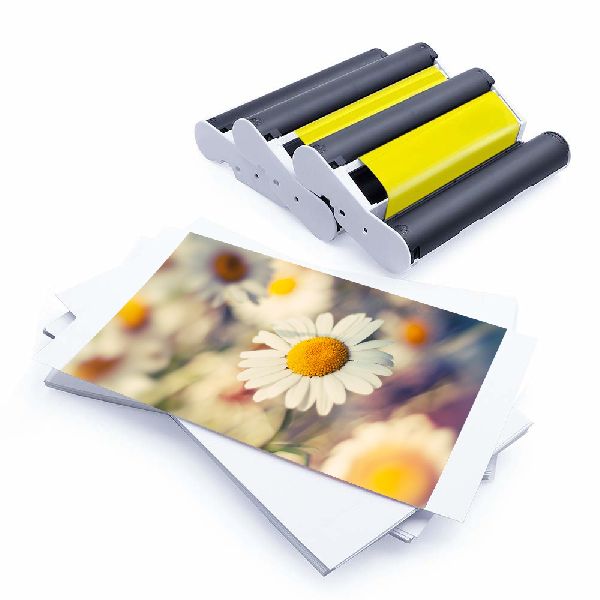
    Canon Selphy Paper and Ink Ribbon KP-108IN

    • PatternPlain
    • Brand NameCANON
    • Thickness0.5-1.5gsm
    • ApplicationPhoto Printing
    • Supply TypeManufacturer, Exporter, Supplier
    • Preferred Buyer Location All over the world
    View More Details
    Send Enquiry

    Company Information

    • calendar Member Since 6 Years
    • building Nature of Business Manufacturer
    • Year of Establishment 2004

    Ask for more detail from the seller

    Contact Supplier
    Report incorrect details
    • Product Details

    • Company Details

    no_img_icon

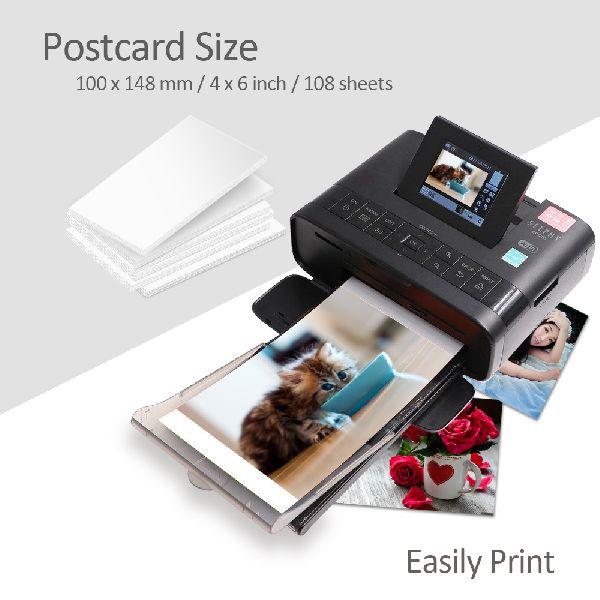
    • Size4x6
    • Number Of FlowerPhoto Paper
    • Brand NameCANON
    • Thickness0.5-1.5gsm
    • ApplicationPhoto Printing
    • PatternPlain
    • Brightness100%
    • FeatureUltra Brightness
    • SurfaceEco-solvent, Glossy
    • model numberKP-108IN

    brand name: puty

    package content: 3 ink ribbons with 108 photo papers.

    oem services: yes

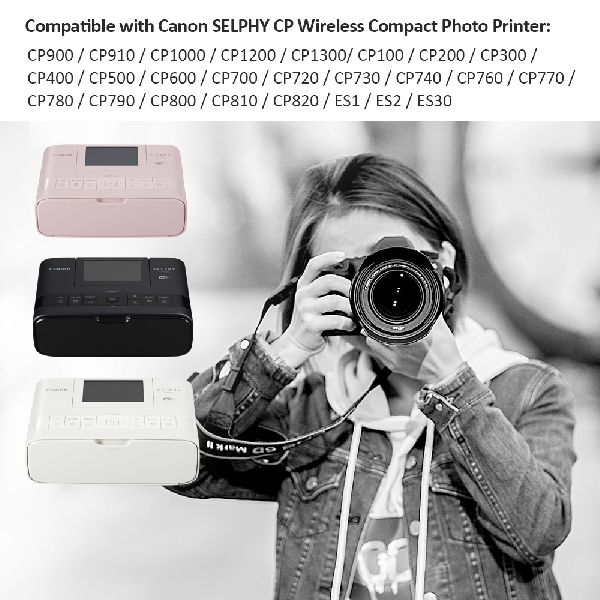
    used for :cp100/cp200/cp300/cp330/cp400/cp510/cp600/cp710/cp720/cp730/cp740/cp760/cp770/cp780/cp790/cp800/cp810/cp900/cp910/cp1000/cp1200

    .



    Additional Information

    • Payment Terms T/T, Western Union
    • Packaging Detailsone box/ 108 photo papers with 3 ink ribbons.
    • Delivery Time10
    Interested in this product? Ask for more details & Latest Price from seller
    Send Enquiry

    Product Images

    • Canon Selphy Paper and Ink Ribbon KP-108IN
    • Canon Selphy Paper and Ink Ribbon KP-108IN
    • Canon Selphy Paper and Ink Ribbon KP-108IN
    • Canon Selphy Paper and Ink Ribbon KP-108IN
    Share your requirements for a quick response!
    Tell us what you need?

    Looking for Canon Selphy Paper and Ink Ribbon KP-108IN?

    Quantity
    Seller Contact Details
    To list your productBoost Your Business Visibility WorldwideRegister Now
    To list your productBoost Your Business Visibility WorldwideRegister Now
    Waiting for permission
    To search by voice, go to your browser settings and allow access to microphone

    Allow microphone access to search with voice


