

Company Information
 Member Since 1 Year
 Nature of Business Supplier Year of Establishment 2017
Ask for more detail from the seller
Contact Supplier
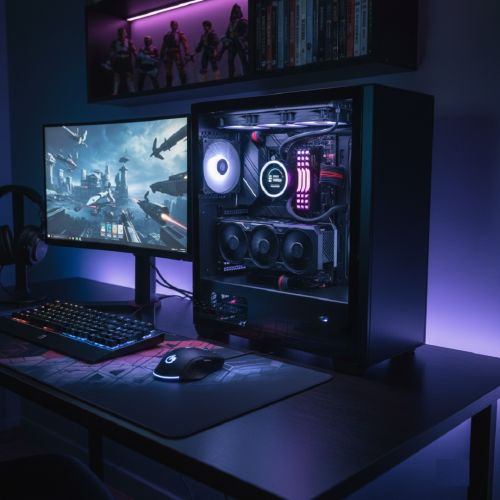
Building a custom PC is easy when you follow simple steps. Start by choosing the right parts like the cabinet, motherboard, Ryzen processor, RAM, SSD, power supply, and a good graphics card. Make sure all components are compatible with each other. Install the Ryzen processor gently into the CPU socket, lock it properly, and apply thermal paste before fixing the cooler. Insert RAM sticks into the correct slots to enable dual-channel, and if RAM is not detecting, clean the gold pins, reseat the sticks, check for dust, try one RAM at a time, update BIOS, and ensure the slots are not damaged. Mount the graphics card in the PCIe slot and connect the required power cables from the PSU. Fix all cables neatly for smooth airflow. After assembling, install Windows and update all drivers. Troubleshoot issues by checking loose connections, RAM errors, overheating, no display, or GPU not powering on. This guide helps beginners understand how to build a custom PC step by step, how to fix common RAM issues, and how to install a Ryzen CPU and graphics card safely. Easy, clear, and helpful for anyone planning to assemble their own desktop PC.




Connect with us





 For Buyer
  For Seller
  Help
Help 

 Fatima Nagar, Pune, Maharashtra
 Send Enquiry