
Company Information
 Member Since 12 Years
 Nature of Business Service Provider Year of Establishment 2013
Ask for more detail from the seller
Contact Supplier
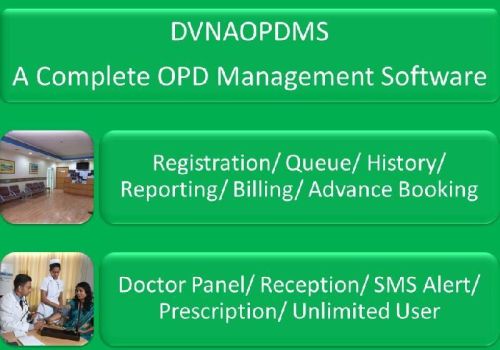
Dvnaopdms. A complete opd management software dvnaopdms is a complete software solution for out patients department (opd) management system. It is including patient registration, treatments, patient medical history, billing management and reporting with complete details of patient information. Dvnaopdms has doctor panel, by using this panel doctor has easy to manage their patient and allows opd registration as the patient arrives to the reception desk with new registration number automatically allotted to him. Doctors can electronically prescribe the medicines or tests with the quick view facility to check the historical prescriptions of each patient. What is doctor panel in dvnaopdms? it is a summarized patient queue list and patient visited status data view of same day booking and advance booking for doctor visit. It is containing data filtering facilities with date wise of advance booking and same day booking. Visibility of data is depending on user role and responsibility. Whenever administrator role or reception role users will login then they can see all doctors patient queue list and patient visited status on doctor panel. But in case of doctor role. Doctor can see their own patient queue list and visited status. Doctor can see patient queue list and patient visited status of other doctors. So this panel is highly secured and user friendly. Easy to monitor of patient queue list as well as patient visited status. How many roles in dvnaopdms? explain individual. There are six user roles in dvnaopdms. These roles are 1. Administrator 2. Doctor 3. Reception 4. Human resource (hr) 5. Staff 6. Disable administrator role: it is a type of users. This type of users has highest level of permission to manage the application and to use of application. They can do changes in configuration items like doctor fee configuration doctors nature of service configuration and its mapping with doctor fee etc.



Connect with us





 For Buyer
  For Seller
  Help
Help 

 North 24 Parganas, West Bengal
 Send Enquiry