
Company Information
 Member Since 10 Years
 Nature of Business Retailer Year of Establishment 1997
Ask for more detail from the seller
Contact Supplier
The P110m is the most cost effective card printing solution for your monochrome only printing applications. Monochrome colors are available in black, blue, green, gold, red, silver, and white.
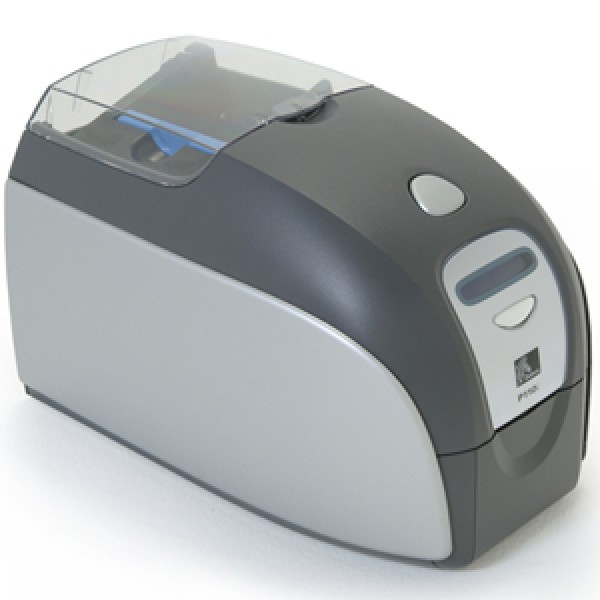
Reliable, compact and easy to use, the P110i is Zebra’s most affordable color card printer. The sleek design uses high-strength plastics and advanced electronics for reduced size and weight and outstanding performance, all at a great price. The Load-N-Go ribbon cartridge with i Series auto ribbon detection and integrated card cleaning roller automatically configures for improved performance, and provides a low-ribbon warning indicator. An LCD screen provides printer information for ease of use. For printing employee or student IDs, as well as membership or gift cards, the P110i is versatile and cost-effective, and delivers consistent, high-quality printing, all with the trusted Zebra dependability. |



Connect with us





 For Buyer
  For Seller
  Help
Help 

 Dwarka, Delhi
 Send Enquiry