How many Networking Device product listings are available in Ahmedabad?
In Ahmedabad, there are currently 250 Networking Device products listed, offering a wide options available for purchase.
What are some related categories to the Networking Device in Ahmedabad?
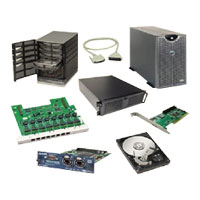
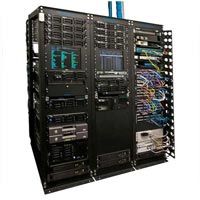
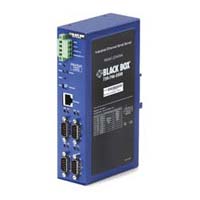
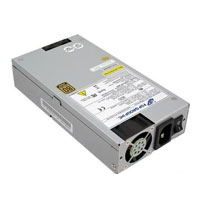
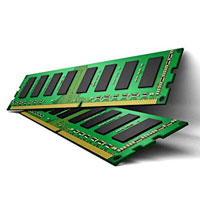
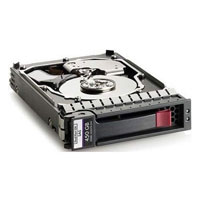
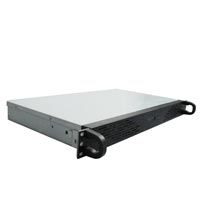
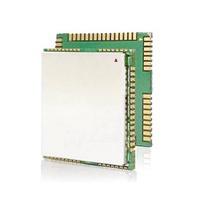
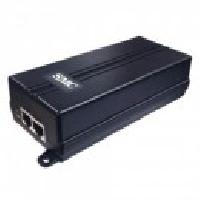
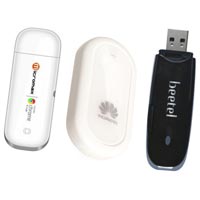
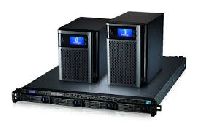
Some related categories to Networking Device in Ahmedabad include Server Memory, Server Parts, Mikrotik Routerboard, Server Rack, Server Hard Disk, Networking Equipment, Server Load Balancer, Ethernet Device, Rack Server Case, Server Power Supply, External Modems, GSM Module, Server Cabinet, GPRS Module, Ethernet Module, Power Over Ethernet Injector.
How many Ahmedabad-based Networking Device manufacturers are there?
There are many Networking Device manufacturers in Ahmedabad. You can explore ExportersIndia to find them and use filters to your search as per your specific requirements.
Gsm fct device gsm fct (fix cellular terminal) device is used for voice call service by gsm network using regular telephone instrument. It is all gsm sim open (unlock) fct, used to make calls by your telephone instrument or you can connect gsm fct to your pbx as a separate line....
You can use your SIM card as landline : Crystal clear voice on phone instrument
Connect FCT to your PBX as a separate line : Move FCT at change of office place, keep the same office contact number
GSM FCT (fix cellular terminal) device is used for voice communication services by GSM network using regular telephone instrument. The device operates in GSM 900 and GSM 1800 network. It is used to make calls directly by telephone instrument or you...
Feature : Easy to Setup: The smart gateway hub is designed with an extremely quick simple setup, no professional technical skills needed.And there is an network cable for the wired version to connect the Wi-Fi
Supply Type : Manufacturer
Product Name : zigbee 3.0 Wireless Smart Gateway Hub
Product Name : WiFi glass panel 2 socket 2 USB touch switch
Supply Type : Manufacturer
Working voltage: AC110V to 240V SETUP PROCESS: 1. Download the app "Smartiqo" app and Register your account on the app (Skip this step if you already have the app) 2. Connect your phone or tablet to a 2.4G WIFI network. (does not support 5.0GHz...