 GST : 07AACFV6024H1Z9
 4.6/5
4.6/5
Our Product / Services
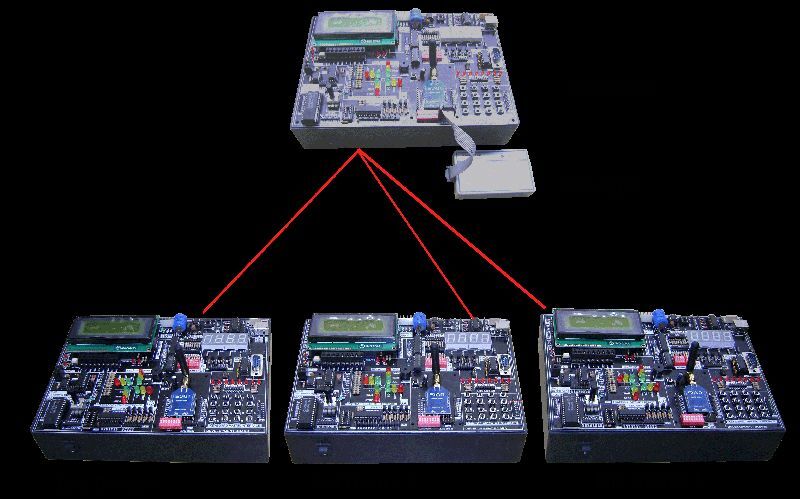
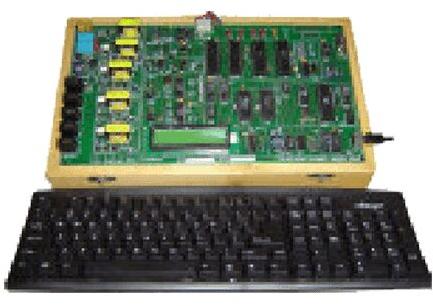
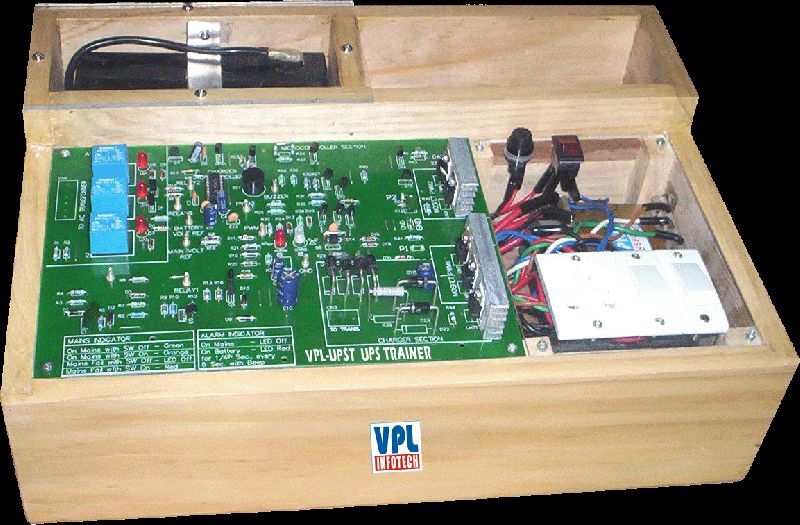
We offer the best product range of Vhdl Simulator (Directvhdl), Advanced Vlsi Design Software, Wireless Sensor Network Development System (VPL-WSNT-14), UPS Trainer (VPL-UPST) and Zigbee Development Board (VPL-ZDB).
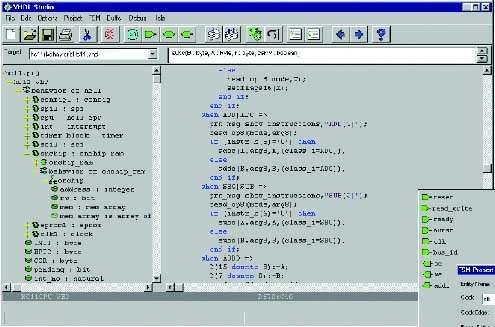
Advanced vlsi design softwaremodel : vhdl studiovhdl studio provides advanced design entry with design wizards and incremental analysis. Design wizards streamline the design entry process by automating tedious and time-consuming tasks. With the incremental analysis continually analyzing your code as you edit, vhdl studio can provide early error detection on-thefly as well as access to up-to-date design navigation.reduce overheadvhdl studio integrates design entry with fast vhdl93 behavioral and structural (vital/sdf) simulation. With a single seamless environment for both design entry and verification, less time is spent learning and using two dif-applications.design entryvhdl editorthe built-in editor performs color highlighting of vhdl source code to facilitate reading, and automatic identifier completion to reduce typing.state machine editorthe most intuitive way to design a state machine is with a state machine diagram. Vhdl studio includes a graphical state machine diagram editor for intuitive state machine entry that automatically and transparently generates a vhdl implementation.on-the-fly error detectionusing incremental analysis, vhdl studio can instantly detect syntax errors as you type and eliminate the tedious compile, locate error, and edit cycle.auto-promptingauto prompts provide you quick information about previously defined subprogram signatures, and signal/variable types without leaving your current editing position to locate the definition in another location or even in another file. Auto prompts are always up-to-date due to vhdl studios incremental analysis engine.instance/component creatorscomponent and instance wizards make component declaration and instantiation a snap. Just select any entity from your project and the component creator will insert a matching component declaration in your design. The instance creator provides a simple graphical interface for assigning local signals to the ports of the instantiated entity for fast, errorfree component instantiation. Graphical testbench designerthe testbench designer provides a graphical waveform editor for simple and intuitive testbench design. In interactive mode, the simulator updates output waveforms as you edit the inputs. Timing checks and data checkpoints are also easily added to the waveform diagram. You can run the testbench within vhdl studio for a graphical display of timing and data violations or run the automatically-generated vhdl testbench yourself.simulationnative vhdl93 compilervhdl studio includes a new version of the green mountain vhdl compiler for fast, direct-compile simulation.waveform displaygraphical waveform display makes simulation results easy to browse and understand.source-level debuggingsource-level debugging provides statement-bystatement execution for detailed debugging. Source-level debugging includes breakpoints to quickly simulate to the point of interest for detailed, statement-by-statement debugging.tcl/tk scriptingthe simulator provides tcl/tk script support to enable unlimited customization and automation.vital optimizationthe new version of the green mountain vhdl compiler in vhdl studio includes vital specific optimizations and built-in vital libraries delivering performance up to 7 times faster than the previous version.sdf backannotationpost-route simulation with timing information is provided through standard sdf backannotation. Project managementproject creation wizardexisting designs can be easily imported into vhdl studio with the project wizard, which determines all the files and libraries required by a given top-level entity/architecture.project browserthe browser provides a quick overview display of the project. Each file in the project and its contents are displayed, including libraries external to the project.automatic buildvhdl studio automatically calculates file dependencies and determines the correct compilation order for the selected target.error navigationcompilation errors are easily located by double clicking on error messages to jump to the errors location in the source file.design navigationhierarchy browserthe hierarchy browser provides a complete structural view of your designs units, blocks, instances and processes, as well as type, signal, variable, and subprogram information. Double clicking on any item in the browser instantly brings you to the file and line number where the item is defined. Thanks to vhdl studios incremental analysis, the browser is always up-to-date with changes made in the editor.hypertext navigationin vhdl studio your vhdl is more than plain text, its hypertext! if you forget the type of that signal, or the arguments to that function, simply right click on its name to instantly jump to its definition.navigation historyeven with all the advanced design navigation features of vhdl studio. Youll never get lost with the back button, which will quickly return you to your previous location in the design.system requirementswindowspentium pc/64mb of rammicrosoft windows 98, me, nt 4.0, or 200020mb of hard-disk space (installation only).cd-romlinuxpentium pc/64mb of ramlinux 2.0 or greater20mb of hard-disk space (installation only)cd-romsolarissparc v8 or better/64mb of ramsolaris 2.7 or 2.820mb of hard-disk space (installation only)cd-romcomponentson-line vhdl tutorialon-line vhdl reference manualon-line users guideproject wizardproject managerdesign browservhdl editorincremental analysisstate machine editorinstance wizardtest bench generatorvhdl93 simulationsource-level debuggerwaveform viewervital/sdf simulationtcl/tk scripting.
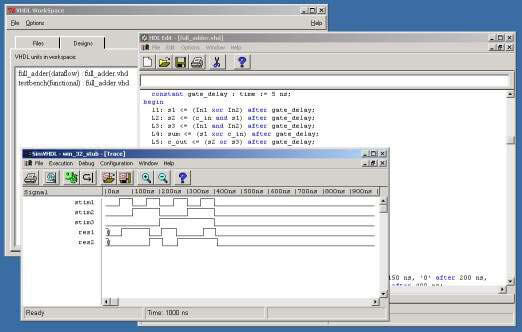
Learn VHDL the Direct way with our low-cost, interactive VHDL simulator.DirectVHDLis built around a VHDL interpreter that allows you to edit and simulate your VHDL design without complicated setup or compilation procedures. DirectVHDL simply loads and simulates in one step.
DirectVHDL includes the following:
Requirements
WindowsWindows 95, 98, Me, NT 4.0, or 2000, 15 MB hard disk space, 64 MB RAM.
 Vinod Peswani (VPL Infotech & Consultants)
 101-104, Savitri Sadan II, 15 Comm. Centre, Preet Vihar, Delhi - 110092, India
 https://www.vplinfotech.com
 Share us via